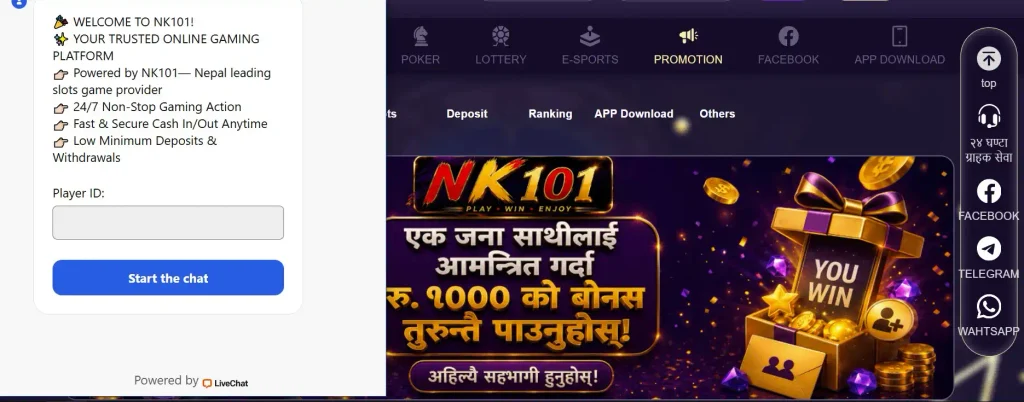




How to Register on NK101
The registration form keeps the essential information together instead of asking players to complete a long series of pages. A new user provides an account identifier, creates a password, confirms it and submits the form.
Before pressing the final registration button, it is worth checking every field once more. A small typing mistake in a phone number or password can turn into an unnecessary login problem later.
The basic process can be summarized as follows:
- Open the registration page.
- Choose a phone number or username for the account.
- Enter the required details.
- Create a password.
- Enter the same password again for confirmation.
- Review the information.
- Press the registration button.
- Complete any verification step shown on screen.
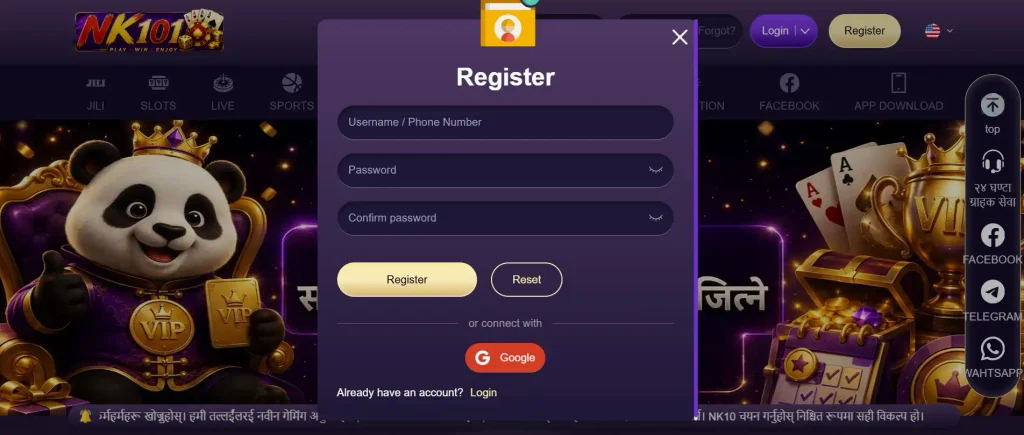
This entire process is intended to give players access to one personal account that can later be used on supported devices.
Enter Your Username or Phone Number
The first important field identifies the account. Depending on the registration method selected, users can enter a mobile phone number or choose a username. A mobile number should belong to the person opening the account. Using an active number is especially useful because it may later be required for verification or password recovery.
Players who prefer a username should choose something they can remember without making it too easy for strangers to guess. Avoid including sensitive information such as a complete phone number, password or payment details inside the username itself. Before moving to the next step, check the spelling carefully.
Create Your NK101 Password
A password protects access to the gaming account and should therefore be treated as more than a routine registration field. Avoid simple combinations such as a first name followed by a birth year. Reusing the same password from email, social media or another gaming account is also not a good idea.
A stronger password usually combines several types of characters and is difficult to predict. It should still be memorable enough that the player does not need to store it in an unsafe place. The goal is simple: create something that is convenient for the account owner but difficult for somebody else to guess.
Confirm Your Password
The confirmation field is there to catch typing mistakes before the account is created. Enter the password a second time exactly as it appeared in the previous field. If the two versions do not match, the registration form may ask you to correct them.
This step can seem minor, but it prevents a common problem: registering with a password that differs from the one the player believes they entered. Pay attention to uppercase and lowercase letters as well as numbers and special characters where they are used.
Click Register to Create Your Account
Once all required fields are complete, review them before submitting the form. The final button creates the account using the information entered during registration. If everything has been filled in correctly, the platform can move the user to the next stage of account access or verification.
There is no need to rush. Taking several extra seconds to review the mobile number, username and password can prevent account-access problems later. After the profile is created, players can sign in and explore the available sections.
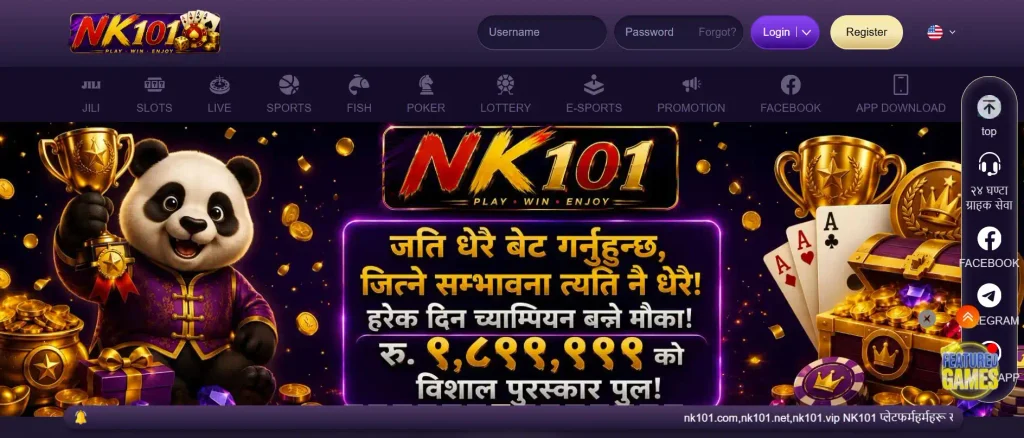
NK101 Sign Up Options
Not every player wants to register in exactly the same way. Some prefer to use a mobile number, while others find a username more convenient. Google login may provide another route for users who prefer linking registration to an existing account.
The available choices can be compared below.
| Registration option | What you use | Best suited for |
| Mobile number | Active phone number | Players who prefer phone-based access and recovery |
| Username | Chosen account name | Users who prefer a traditional login |
| Existing Google account | Users looking for a quicker connected sign-in method |
The best option is usually the one the player expects to retain access to over the long term.
Register with a Mobile Number
Using a phone number provides a direct connection between the user and the gaming profile. Enter the number in the required format and check that the digits are correct. If phone verification is requested, the number must be active so the player can receive the necessary message or code.
A personal mobile number is preferable to a temporary or borrowed one. If account recovery becomes necessary later, access to the original number can make the process considerably easier.
Register with a Username
Players who do not want their mobile number to function as their primary login can choose a username where this registration method is available. A good username is recognizable to its owner without exposing personal information. It should also be entered consistently whenever the user logs in.
Once selected, remember which username belongs to the account. Creating another profile simply because the original username has been forgotten can make account management more complicated.
Sign Up with Google
Google sign-in can reduce the number of credentials a player needs to remember. When this option is available, the user selects Google during registration and follows the authorization steps shown on screen. The platform then uses the approved Google account as part of the sign-in process.
Players should only connect a Google account that belongs to them personally. Shared workplace or family accounts are poor choices for a gaming profile because control over access may change later.
Benefits of NK101 Registration
The NK101 sign up process provides more than a login. Registration gives users access to account-based features such as balances, promotions, games and payment functions. A registered player can move between different sections without creating separate profiles for each type of entertainment.
Free Account Creation
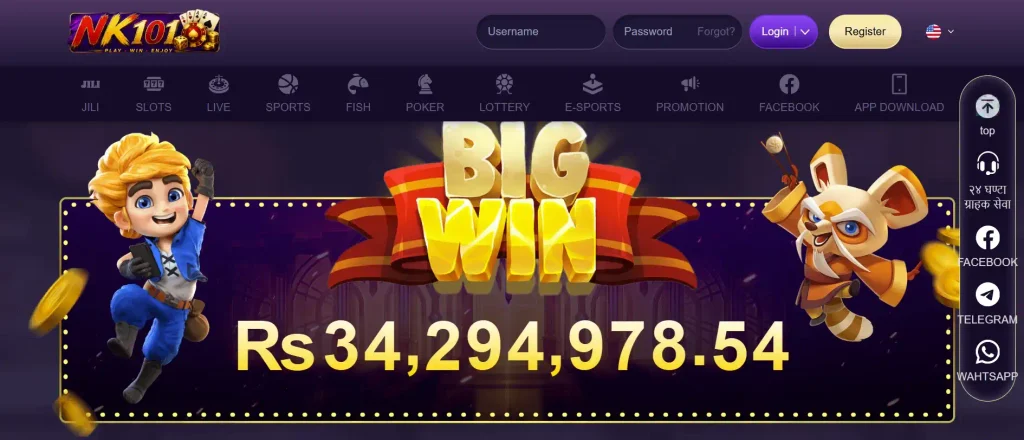
Opening a profile is free. Registering does not automatically mean that the player has to deposit or start gambling immediately. New users can first become familiar with the account area and see how the platform is organized.
Before depositing, it can be useful to:
- explore the gaming categories;
- review current promotions;
- check the payment section;
- find security settings;
- locate customer support;
- read the rules connected with bonuses;
- check account details for accuracy.
This makes registration a practical starting point rather than a commitment to spend money.
50% Welcome Bonus for New Users
New players may be eligible for a 50% First deposit bonus + Lucky draw welcome bonus after joining. The percentage is only one part of the promotion. Before claiming it, players should read the current terms shown with the offer. Bonus conditions can include a qualifying deposit, wagering requirements, eligible games or other limitations.
A welcome offer should therefore be evaluated by its full conditions, not simply by the headline percentage. Players who do not understand a particular rule should check it before depositing instead of assuming that all bonus funds can immediately be withdrawn.

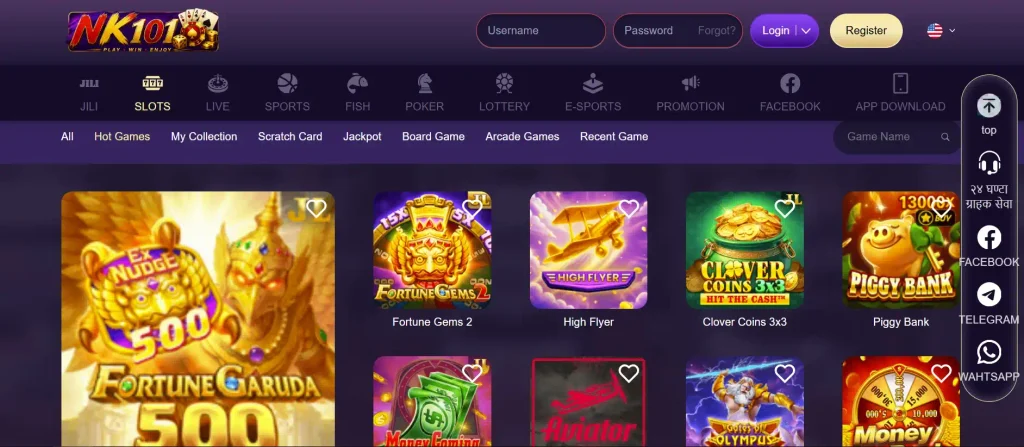
Access Games from Mobile or Desktop
One registration can be used to access the account from supported computers and mobile devices. Desktop users may prefer a larger screen when browsing the game library or checking account settings. Mobile users can open the platform from a smartphone and access the same account without creating another profile.
This flexibility is useful for players who switch between devices during the week. The important point is to continue using the original account rather than registering again every time a different device is used.
Deposit and Withdraw in Nepalese Rupees
For players in Nepal, managing transactions in NPR makes balances easier to understand. Users can check available payment methods from the cashier and select an option suitable for their account. The cashier should also be checked for current transaction limits before money is sent.
Withdrawals are requested through the account as well. Processing may depend on the chosen method, account status and any verification checks that are required. Using accurate registration information from the beginning can therefore help avoid unnecessary payment complications later.
NK101 Registration Requirements
The NK101 registration process is simple, but users still need to follow basic account rules. These requirements help keep profiles linked to their actual owners and reduce confusion when login, payment or recovery checks are required.
Users Must Be 18 or Older
The platform is intended for adults. Anyone younger than 18 should not open an account or participate in real-money gambling. Registration information should reflect the real account holder rather than another person’s details.
Adult users should also approach gambling as entertainment rather than a reliable way to make money. Spending limits should be based on disposable funds rather than money required for essential expenses.
Use a Valid Phone Number or Username
The account identifier needs to be accurate. A valid mobile number is particularly important if the user chooses phone-based registration because it may be connected to verification and recovery.
Username users should remember exactly how their chosen name was entered. Small differences in spelling can prevent successful login. Keeping these details consistent makes normal account access easier.
Set a Secure Password
A secure password reduces the risk of unauthorized access. Players should avoid using obvious details such as their username, phone number or date of birth as a password. The same password should not be shared with friends or family members. Verification codes should also remain private. Anyone who receives a code should treat it like a temporary password rather than ordinary information.
Use One Account Per Player
Players should maintain one personal gaming profile. Creating multiple accounts can lead to confusion with balances, promotions, verification and payment history. It may also conflict with account or bonus rules.
If access to an existing account has been lost, use the recovery tools instead of immediately opening another profile. This is the safer route for users searching for the NK101 create account process after previously registering.
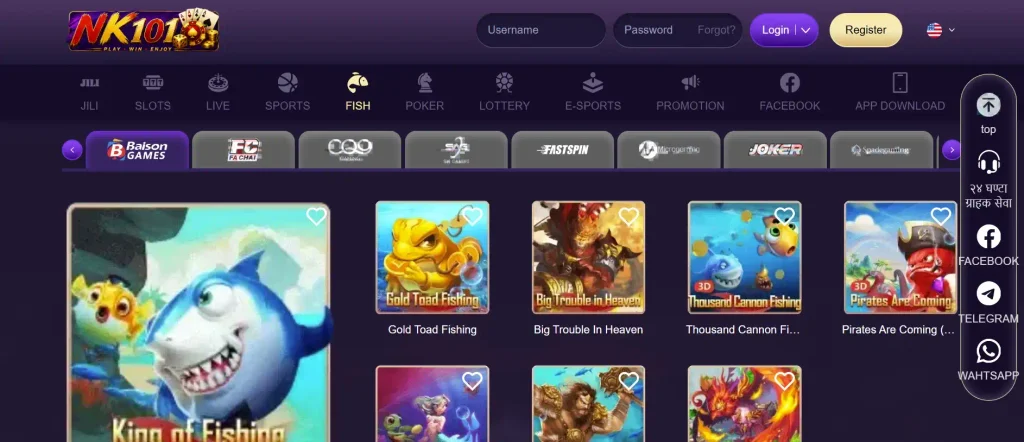
Already Registered at NK101?
Players who already have an account do not need to go through registration again. The login section is designed for returning users. Enter the credentials connected with the existing profile and continue using the same account.
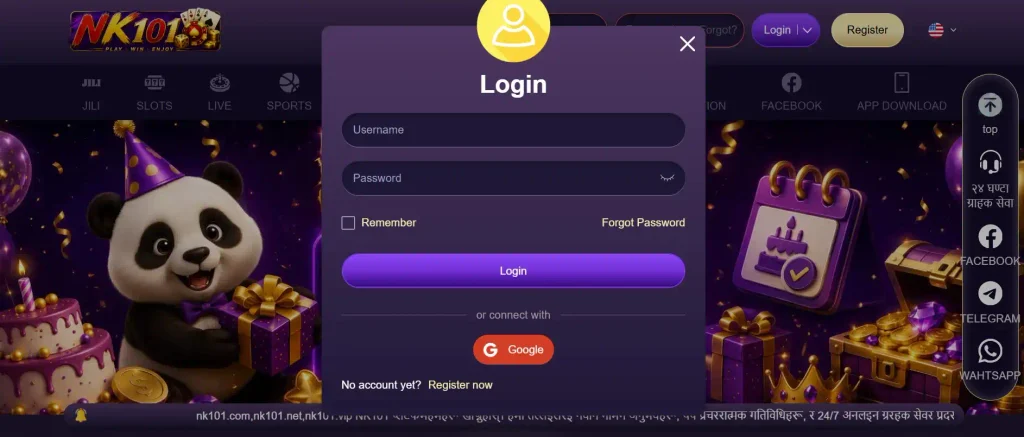
Login to Your NK101 Account
Open the login area and enter the details used when the profile was created. Depending on how the account was registered, this may involve a username, mobile number or connected sign-in option. Check that the information is correct before assuming that the account is unavailable.
Enter Your Username and Password
Traditional login requires the account identifier and password. Enter both carefully and check whether Caps Lock or keyboard settings are affecting the password. Repeatedly trying random password variations is usually less effective than using the recovery function. Do not share login details with another person just to get help signing in.
Use the Forgot Password Option
If the password can no longer be remembered, select the recovery option rather than opening a second account. The system can guide users through verification and allow them to create a replacement password. This keeps account history, balances and previous activity connected to the original profile.
NK101 Password Recovery
Losing a password does not necessarily mean losing the account. Recovery options can use information connected with the existing profile to confirm that the person requesting access is the legitimate user.
Recover Your Password by Mobile Number
Users who registered with a mobile number can start recovery by entering that number in the password-reset area. The number should match the one already linked to the account. After submitting it, follow the instructions displayed on screen.
Receive a Verification Code by SMS
A verification code may be sent to the registered mobile number. Enter the code in the appropriate field within the allowed time. Do not send this code to anyone else, even if that person claims they need it to recover the account. The purpose of the code is to confirm control of the registered phone.
Recover Your Password by Email
Email recovery may also be available where an email address has been connected to the profile. Open the recovery option, enter the relevant email and follow the instructions received. Check the spam or junk folder if the expected recovery email does not appear in the main inbox.
Create a New Password
After verification, create a new password that is different from the previous one. Avoid changing it to something only slightly different, such as adding a single number to an old password. A genuinely new combination provides better protection. Once the password has been reset, sign in again and make sure account details remain correct.