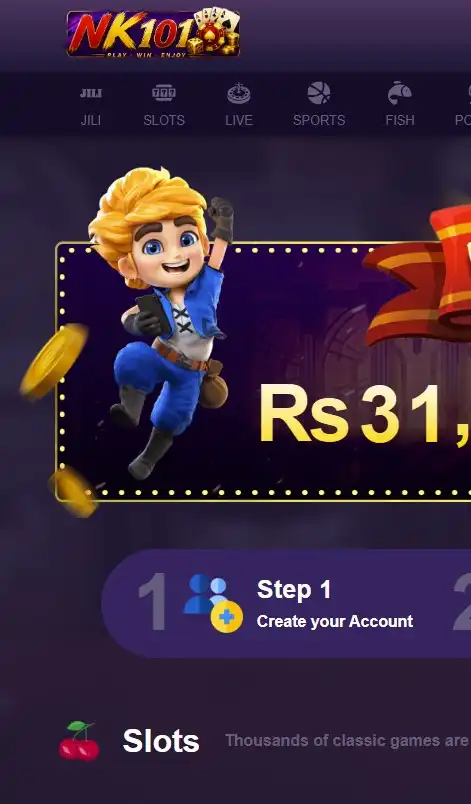




Download the NK101 App
Getting started on mobile involves downloading the correct installation file, allowing the phone to install it and then signing in. Android applications distributed directly by a gaming platform may use an APK package rather than a conventional app-store installation. This means the user needs to pay attention to where the file comes from.
The safest approach is straightforward:
- Open the official platform on your Android phone.
- Find the mobile application or download section.
- Select the Android download option.
- Save the installation file.
- Allow installation when Android requests permission.
- Complete the setup.
- Open the application.
- Login with an existing account or register a new one.
Players should avoid installation files shared through unknown websites, private messages or unofficial download pages.

NK101 App Download for Android
The NK101 app download for Android allows users to place the platform directly on their phone instead of opening a browser every time they want to access their account. Begin by opening the platform from a mobile browser and locating the Android application option. If a download button is available, tap it and wait for the file to finish transferring.
Depending on the Android version, the phone may display a warning because the application is being installed from outside the standard app store. Read the message carefully before continuing. It is also sensible to make sure there is enough storage available and that the device software is reasonably up to date.
Download the NK101 APK File
The NK101 APK is the Android installation package used to place the application on a compatible smartphone or tablet. After downloading the file, open the Downloads folder or tap the completed download notification. Android should then begin the installation process.
Do not rename or modify the file before opening it. If the download appears incomplete or produces an installation error, remove the failed copy and obtain a fresh file from the official mobile page. Players should also avoid keeping old installation packages indefinitely. When a newer version becomes available, using the current version can reduce compatibility problems.
Install NK101 on Your Mobile Device
The NK101 app install process normally begins when the downloaded Android file is opened. If installation from the browser has not previously been permitted, Android may ask the user to enable permission for that particular source. This setting should only be enabled when the player is confident that the file came from the official platform.
After permission is granted, return to the installation screen and continue. The process can usually be completed in a few steps. When the application icon appears on the home screen or app drawer, installation has finished. It is a good idea to close the installer afterward and review any permissions requested by the application rather than approving unrelated access automatically.
Open the App and Login to NK101
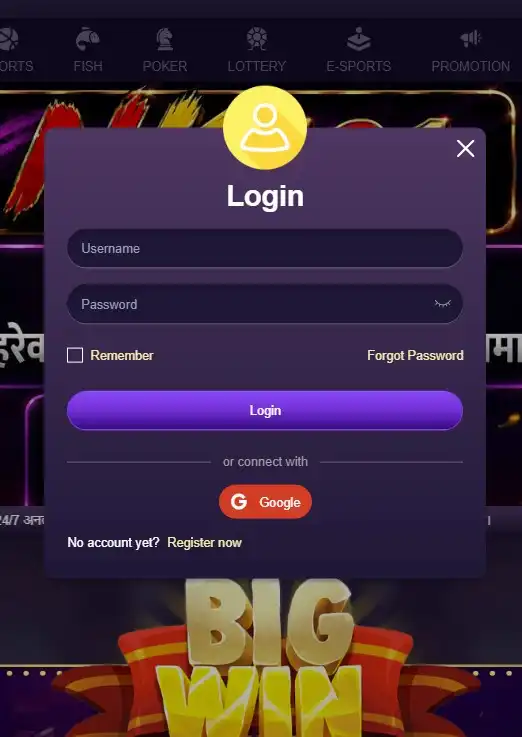
After installation, tap the application icon to open the platform. Existing players can enter the same account information they normally use on the website. There is no need to create another profile simply because a different device is being used. Before starting a session, check that the displayed balance and account information are correct.
Players who have forgotten their password should use the recovery function instead of repeatedly entering random combinations. If an account cannot be accessed after normal recovery steps, customer support can help clarify what needs to be done.
NK101 Mobile App Features
The NK101 mobile app combines gaming and account functions within a smartphone interface. The exact layout may differ slightly from the desktop website because mobile screens have less space, but the main sections remain accessible. Navigation is usually organized around gaming categories, account tools, promotions and payments.
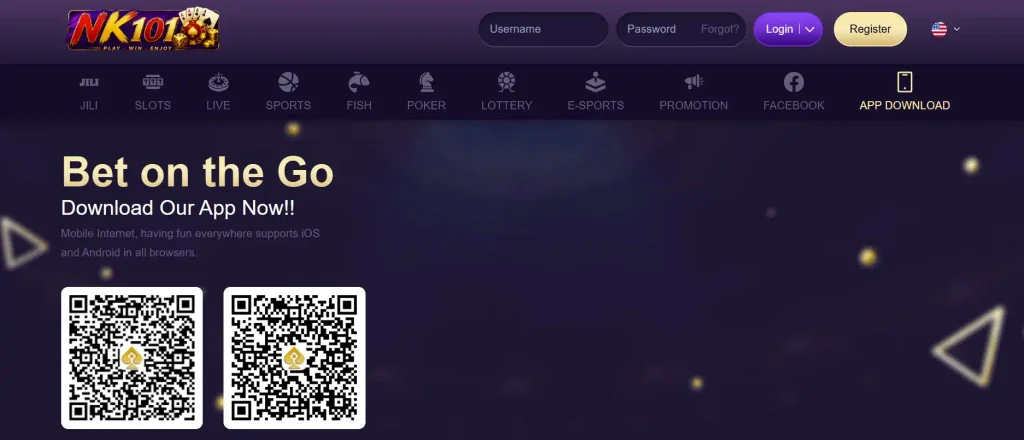
A general overview looks like this:
| Mobile feature | What players can do |
| Hot Games | Browse highlighted and popular titles |
| Casino | Open slots, live games and table games |
| Payments | Access supported deposit and withdrawal methods |
| Promotions | Review current offers and bonus conditions |
| Account | Check personal details and security settings |
| Support | Contact customer service when assistance is needed |
This layout makes the application useful for more than simply launching games.
Access Hot Games from Your Phone
The Hot Games section gives mobile users a quick way to see titles that are being highlighted on the platform. This can be useful when a player does not have a particular game in mind. Rather than browsing every category separately, the user can start with the featured selection and decide whether anything looks interesting.
Highlighted games can change, so the mobile homepage may not always display exactly the same titles. Players should still check individual game information before participating, particularly when a title uses unfamiliar mechanics or betting options.
Play Slots, Live Games and Table Games
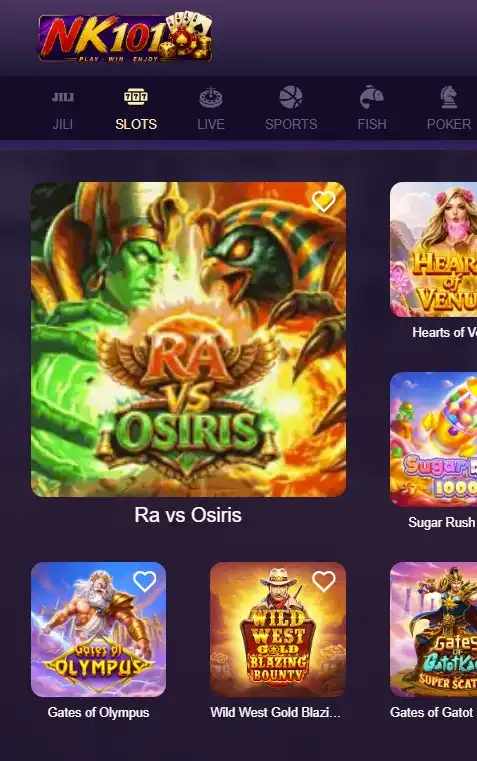
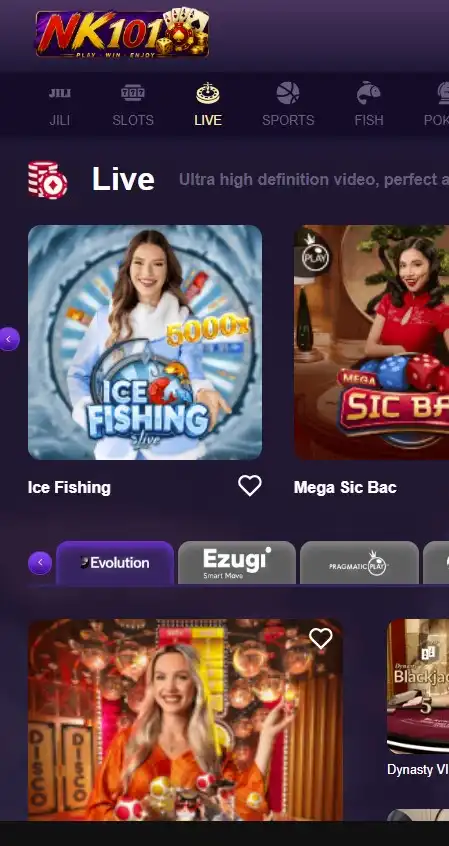
Mobile users can move between different casino formats from the same interface. Slots are suited to touchscreen play because most controls can be handled with simple taps. Different titles may use varying paylines, bonus rounds, free spins or multiplier mechanics.
Live casino games provide another experience by presenting games in real time. Because live streams use more data than ordinary slots, a stable internet connection is especially useful.
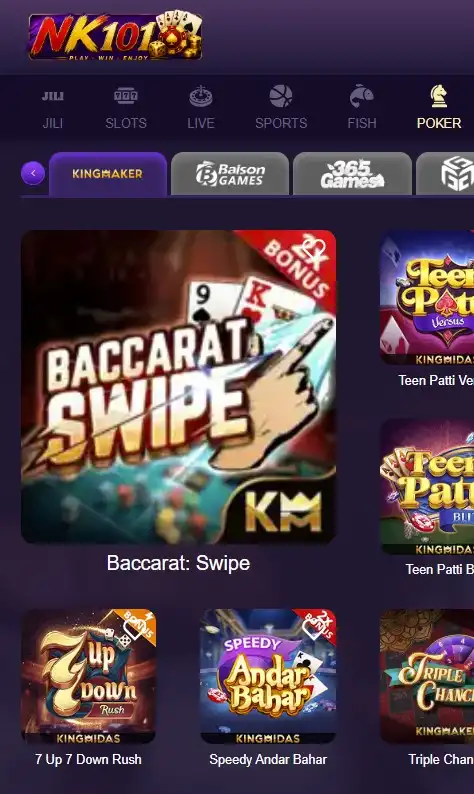
Table-game fans can also explore available card and casino formats. Rules and betting ranges can differ between games, so players should understand the format before placing real-money bets.
Deposit and Withdraw in Nepalese Rupees
Players in Nepal can manage supported account transactions in NPR. This makes it easier to understand the value of a deposit, balance or withdrawal without constantly converting amounts from another currency. From the payment section, users can review available methods and enter the amount they want to transact.
Current minimums and maximums should always be checked directly before confirming payment because limits may vary by method. Withdrawals may also require account or payment verification. Keeping personal details accurate can reduce unnecessary complications when a payout request is reviewed.
Check Promotions and Bonus Offers
The application provides access to promotions without requiring users to switch back to a desktop website. Players can review available offers and check whether their account qualifies for a particular bonus.
A promotional headline does not show the entire value of an offer. Before claiming anything, look at the full terms, including qualifying deposits, wagering conditions, eligible games, validity periods and any limits. This is especially important for welcome or reload bonuses, where the credited amount may remain subject to conditions before withdrawal becomes possible.
Manage Your NK101 Account in the App
Mobile access also makes routine account management easier. Players can review personal information, check payment activity and access security settings directly from their device. When verification is requested, the account area may also display information about what needs to be completed.
It is worth checking account details periodically, especially after changing a phone number, payment method or password. Never leave the application permanently logged in on a shared phone. Anyone with access to an unlocked device may otherwise be able to open the gaming account.
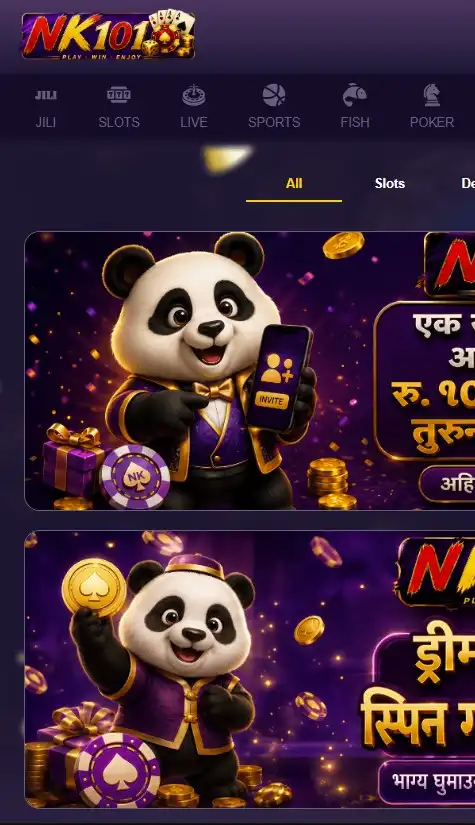
NK101 App Login and Registration
New and existing users can both access account functions from mobile. The registration process creates a personal account, while login connects returning users to the profile they already have. The NK101 download does not require an existing account, so a new player can install first and register afterward.
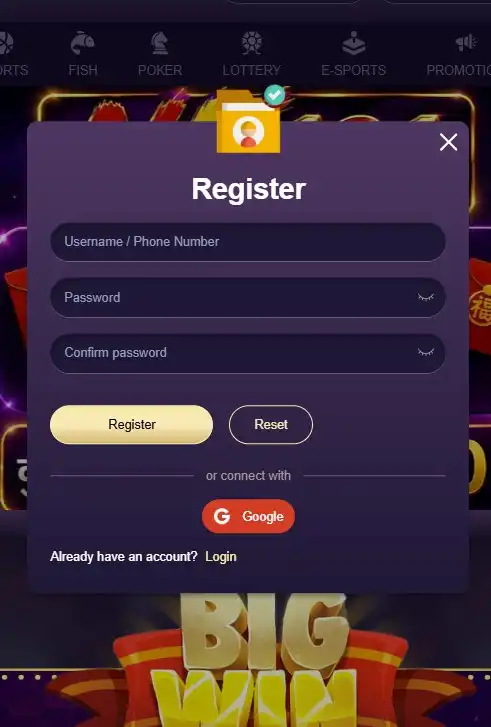
Register with Username or Phone Number
New players can begin registration using the available account creation form. Depending on the option selected, users may identify the account with a username or mobile phone number. A personal and active number is preferable if phone-based verification or account recovery is later required.
Enter every detail carefully before submitting the form. Players should not deliberately provide another person’s information just to complete registration more quickly. Accurate details are important when account ownership needs to be confirmed later.
Login with Your NK101 Account Details
Returning players can enter their existing username or phone details together with the password connected to the account. The login information should match the original registration details.
If the password is rejected, first check for typing mistakes, keyboard language changes or accidental spaces. If access still fails, use password recovery rather than immediately creating a second profile. The NK101 Android app should be treated as another access point to the same account, not as a reason to open a duplicate account.
Sign Up with Google
Google sign-up may provide an alternative to creating a traditional username and password combination. Where this option is displayed, users can choose Google and follow the authorization steps on screen.
Only a personal Google account should be connected. A workplace, school or shared family account may later become inaccessible, creating avoidable login problems. Before approving access, check that the correct Google profile has been selected, particularly when several accounts are active on the same Android device.
NK101 App Account Security
Mobile convenience should be combined with sensible account protection. Gaming accounts may contain personal information and deposited funds, which makes weak passwords and shared devices unnecessary risks. Security starts with accurate account information and continues through login protection, transaction settings and phone verification.
Complete Your Personal Information
Personal details should match the actual account holder. Accurate information becomes particularly important when identity or payment checks are required. Incorrect names, contact details or payment information can make verification more difficult.
Players should review their account profile after registration and correct mistakes through the available account or support process where necessary. Avoid entering false information simply to finish setup faster.
Create a Secure Login Password
The login password should be difficult for another person to guess. Avoid passwords based entirely on a name, birthday or phone number. Reusing the password from email or social media can also increase risk if another service is compromised.
A better password combines different character types and is used only for the gaming account. Never share it through messaging apps or send it to somebody claiming they can manage the account on your behalf.
Set a Transaction Password
A transaction password can provide an additional layer of protection for payment-related actions. If the platform asks players to create one, it should be different from the ordinary login password. Using the same combination for both purposes removes much of the value of having two security checks.
Choose something memorable but not obvious. Transaction credentials should remain private and should never be provided to another player.
Link Your Bank Account
Where bank linking is required for withdrawals or other payment functions, users should enter account information that belongs to them. The account holder’s details should be consistent with the information registered on the gaming profile.
Check bank details carefully before saving them. Even a small error in an account number can delay a transaction or require additional support. Players should only add payment information through the authenticated account area.
Verify Your Phone Number
Phone verification helps connect the mobile number with its account owner. A verification code may be sent by SMS when the number is added or when certain security actions are performed.
Enter the code only on the official verification screen. Never forward an SMS code to someone who contacts you privately. A temporary verification code can provide access to sensitive account functions, which is why it should be protected in the same way as a password.
NK101 App Payments
Mobile users can access the cashier and manage supported payments without returning to the desktop platform. Before making a transaction, players should check the selected currency, payment method, amount and destination information. Transaction limits can differ between methods, so the figures displayed in the cashier at the time of payment should be treated as the current reference.
Pay No Withdrawal Fees
The platform may present withdrawals without an additional platform withdrawal fee for eligible methods or transactions. Players should still review the payment screen before submitting a request. A bank, payment provider or other external service may apply its own conditions independently of the gaming platform.
It is therefore better to check the final transaction details than to assume that every possible payment route has identical costs. Verification can also affect processing. If personal or payment information needs to be confirmed, completing those checks may be necessary before a withdrawal can proceed.
NK101 App Customer Service
Mobile users can contact customer support when they experience problems that cannot be solved through normal account tools. Typical questions involve login, registration, payments, verification, bonuses or installation. Preparing clear information before contacting support can make the conversation easier.
Contact Customer Support for Account Access
If an account cannot be opened, start by checking the username, phone number and password. Use password recovery if the credentials have been forgotten. When standard recovery does not solve the issue, customer service can help identify the next step.
When contacting support, explain what happened and mention any error message shown on screen. Do not send passwords, SMS verification codes or transaction passwords to another person. Support may need account information for identification, but sensitive access credentials should remain private.